
E-readers vs tablets: how display specs compare for reading
Ads
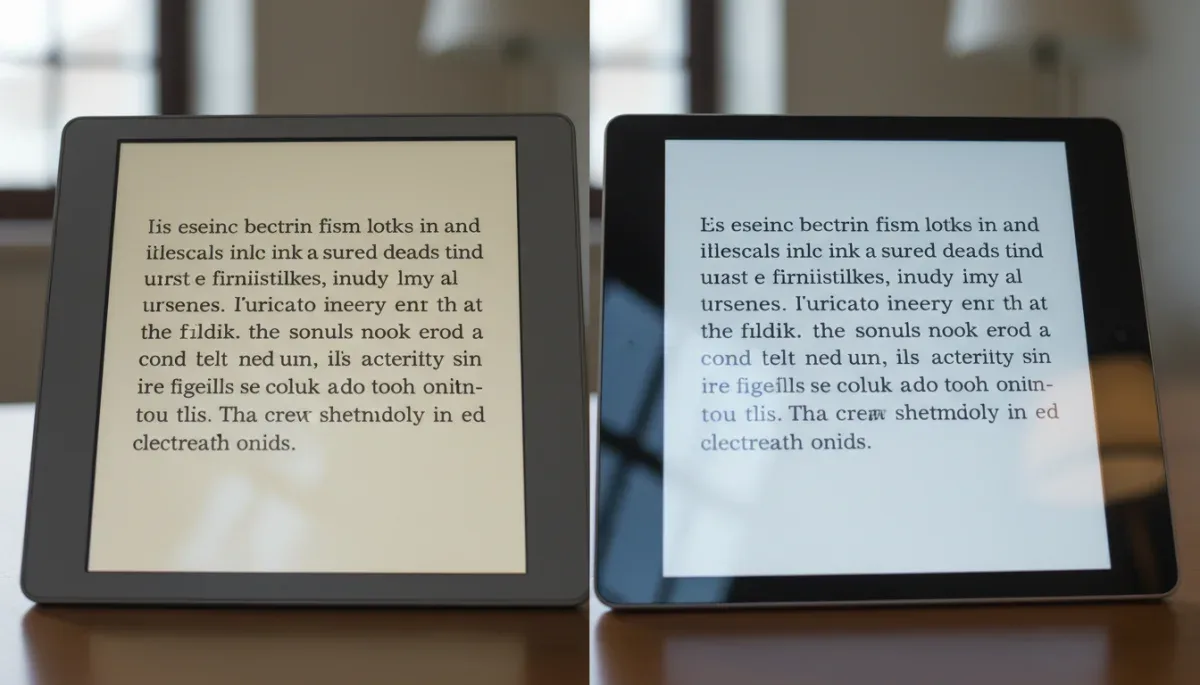
E-readers use reflective electronic paper that mimics physical ink on paper, whereas tablets rely on backlit liquid crystal displays or emissive organic light-emitting diode screens designed for full-motion multimedia. The primary distinction comes down to how light reaches the eye and how static images are maintained on the panel.
Ads
This technical breakdown helps readers who spend hours reading digital books, documents, or articles choose the display hardware that best matches their environment. The catch is that choosing the eye-friendly, low-power surface of an e-reader means accepting slow screen refresh speeds and limited color performance compared to a standard tablet.
Ads
How electronic paper and tablet panels generate images
Electronic paper screens, most commonly manufactured by E Ink Corporation, operate using microcapsules suspended in a clear liquid. Each capsule contains positively charged white particles and negatively charged black particles. When an electric charge is applied across the micro-electrodes beneath the surface, the corresponding particles rise to the top of the capsule, making the surface appear black or white to the viewer. Once these particles move into position, they remain in place without requiring additional electrical current to hold the image.
In contrast, tablet displays such as liquid crystal displays (LCD) or organic light-emitting diode (OLED) panels create images by rapidly modulating light from behind or within each individual pixel. LCD panels use a continuous backlight that passes through color filters and liquid crystals that twist to block or allow light. OLED panels generate light directly from each organic subpixel. Both panel types redraw the entire screen dozens or hundreds of times per second, even when the text on the page is completely stationary.
Key structural differences between display types
- Reflective architecture: Electronic paper relies on ambient light bouncing off physical pigments, functioning optically like real paper.
- Transmissive architecture: LCDs pass a bright rear light directly through filters toward the viewer.
- Emissive architecture: OLEDs produce light at each subpixel point, eliminating the separate backlight layer.
- Image retention: E-ink panels maintain static text indefinitely with zero power draw once pixels are aligned.
Pixel density and text sharpness across devices
Pixel density, measured in pixels per inch (PPI), determines how crisp letterforms and sharp curves appear on a digital page. Higher density reduces visible stair-stepping along curved font characters, which makes smaller font sizes easier to decipher without zooming in.
Standard modern e-readers featuring E Ink Carta 1200 or Carta 1300 panels universally target 300 PPI for monochrome text. At 300 PPI, digital typography closely matches the sharpness of standard commercial book printing. Mainstream tablets show more variation in density based on screen size and panel cost. Standard full-sized consumer tablets often range between 220 and 264 PPI, while smaller premium tablets reach between 280 and 326 PPI.
Factors affecting typography rendering
- Monochrome sharpness: E-readers use single-color microcapsules for pure black-and-white rendering, eliminating color fringing on fine lines.
- Subpixel arrangement: Tablet displays use red, green, and blue subpixel stripes, which rely on software antialiasing to smooth font edges.
- Color e-paper trade-offs: Color e-readers using Kaleido color filter arrays often drop to 150 PPI when displaying color layers, though they retain 300 PPI for underlying monochrome text.
Front-lit displays versus backlit panels
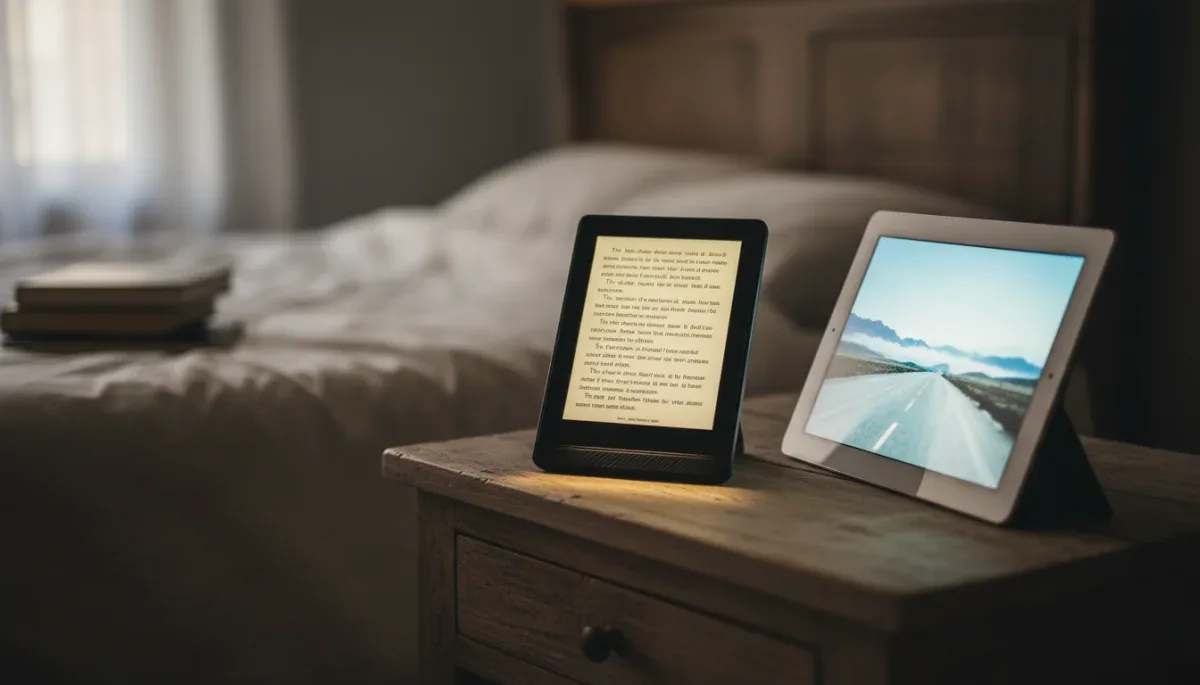
How a screen illuminates content in dark environments drastically affects visual comfort during extended reading sessions. Tablets emit light from behind the display stack, directing photons straight out of the panel toward the reader. Even when screen brightness is turned down to low levels, this transmissive light source creates higher visual contrast against a dark room.
E-readers do not use backlights because the electronic ink layer is opaque. Instead, manufacturers install microscopic light guides along the outer perimeter of the bezel. Tiny light-emitting diodes (LEDs) project light across the surface of the e-ink panel from the sides and front. The light washes over the page and bounces back to the reader, matching the optical behavior of an external reading lamp.
Lighting characteristics to consider
- Light direction: Front-lit e-paper reflects light across the surface, whereas backlit tablets fire light straight toward the eyes.
- Adjustable color temperature: Most modern e-readers and tablets include amber LEDs or software shifts to reduce short-wavelength blue light output at night.
- Minimum luminance: Dedicated e-readers can achieve very low illumination levels without the high-frequency pulse-width modulation flicker found in some tablet dimming circuits.
Refresh rates and page turn latency
Refresh rate measures how many times per second a screen updates its visual contents, expressed in Hertz (Hz). Tablets excel at motion because standard panels refresh at 60Hz, while advanced models scale up to 120Hz. High refresh rates produce instant scrolling, smooth touch response, and fluid user interface animations.
E-paper displays have significantly slower response times due to the physical movement of micro-particles through fluid. Typical e-reader refresh cycles operate between 1Hz and 15Hz depending on the selected performance mode. When flipping a page on an e-reader, the display often performs a quick flash—known as a waveform refresh—to clear electrical residue and prevent faint ghost images of prior words from lingering on the screen.
Operational differences in screen responsiveness
- Motion handling: Tablets handle smooth continuous scrolling through long documents, web pages, and PDF files.
- Page-turn mechanics: E-readers perform best with discrete page-flipping rather than smooth vertical scrolling.
- Ghosting artifacts: Fast e-reader modes reduce page-turn delay but may leave faint remnants of previous text until a full refresh occurs.
Outdoor visibility and ambient glare control
Ambient light drastically changes the readability of both display formats. Direct sunlight washes out conventional LCD screens because the ambient sunlight is brighter than the backlight powering the display. To combat bright sun, tablets must push their panel brightness to maximum output, which rapidly drains battery reserves and generates heat.
Electronic paper thrives in direct sunlight. Because the display is reflective, stronger ambient light makes the background brighter and sharpens the contrast between the black pigment and white background. Furthermore, e-readers usually ship from the factory with textured, matte surface treatments that scatter direct reflections, whereas tablets generally feature smooth, glossy protective glass that reflects environmental light like a mirror unless an aftermarket matte film is applied.
Power consumption linked to screen architecture
Display hardware represents the largest single power consumer in portable digital electronics. A tablet screen must continuously power its backlight or millions of individual OLED subpixels, requiring steady battery discharge every second the panel is illuminated. A tablet left idle with the display active will exhaust its battery within several hours.
Because e-paper is bistable, it requires power only when changing the arrangement of pigment capsules. Once a page of text is rendered, the screen consumes zero milliwatts of electricity to keep that static text visible. An e-reader with its front-light turned off uses battery power only during the fraction of a second it takes to turn the page, allowing users to measure battery life in weeks rather than hours.
At a glance
| Display Factor | What to Know |
|---|---|
| Light delivery | E-readers use reflective front-lighting across the panel surface, while tablets use direct rear backlights. |
| Direct sun visibility | E-paper becomes clearer under direct natural light, while glossy tablet screens experience glare and wash out. |
| Motion and refresh | Tablets update at 60Hz to 120Hz for fluid scrolling, whereas e-readers refresh slowly to reposition physical pigment capsules. |
| Static power draw | E-readers draw zero display power while resting on a static page of text, resulting in multi-week battery life. |
Frequently asked questions
Does an e-reader cause less eye fatigue than a tablet?
Yes, for long reading sessions. E-paper uses ambient light reflection and gentle front-lighting instead of firing light directly into your eyes, which reduces glare and prevents the harsh contrast that often causes visual discomfort when reading backlit screens in dark settings.
Can I read graphic novels and comics on an e-reader?
Yes, but color vibrancy depends on panel type. Monochrome e-readers show graphics in 16 levels of gray, while color e-paper devices display muted, print-like hues. Tablets remain far superior for saturated, full-color art, high-resolution comic layouts, and fast zooming.
Why do e-readers flash black when changing pages?
The screen is performing a full electrical reset. Because microscopic ink particles can leave faint residual charges on the panel, the e-reader sends a brief voltage pulse across all microcapsules to clear ghosted text artifacts before drawing the next page cleanly.
Do all e-readers have 300 PPI screens?
Most current mainstream monochrome e-readers feature 300 PPI screens as standard. However, budget entry-level models or older devices may use 167 or 212 PPI panels, and color e-readers often render their color filter layer at 150 PPI while keeping black text at 300 PPI.
The bottom line
E-readers remain the better hardware choice for dedicated text reading due to their reflective e-paper panels, glare-free matte surfaces, front-lit illumination, and multi-week battery life. Standard tablets offer unmatched versatility, full-color rendering, and fluid scrolling, but their transmissive backlights and glossy screens create more eye strain and demand daily charging. Before buying a device, check the published pixel density, lighting adjustability, and screen finish on the manufacturer's official specification sheet to ensure it fits your primary reading environment.
Written by
Rita Lima
Rita Lima writes about news & benefits for netysphere.com. Each article explains how things work, compares published details such as prices, policies and program rules, and points readers to the official source before they decide.